

The best website builder for photographers
Short answer: Orlume, for a photography site that frames the work like a gallery: designed from one prompt, with real hierarchy and space, published in one click. Squarespace has the most ready-made gallery templates; Framer suits photographers who want to design every page.
Written by the Orlume team, so Orlume is first. Every other entry says what it is genuinely best for, with prices checked October 2026.
What matters for photographers
- 01
Images first, fast
Full-bleed photography that still loads quickly on a phone. Slow galleries lose clients before the second image.
- 02
A calm frame
Quiet type and generous space let the photographs do the talking.
- 03
A clear way to book
A visible enquiry or booking path turns admiration into a shoot.
- 04
Your name on the domain
yourname.com is the business card of a working photographer.
The ranking
- 1
Orlume
Best for design-first websites
A design-first AI website builder: a multi-agent pipeline decides layout, typography and hierarchy before any code is written, then builds a React and Next.js site.
Orlume designs the site around the work: hierarchy, space and type are decided in a design pass before code. Pages are server-rendered Next.js, which loads fast and reads well to search engines. Bookings come from a scheduling tool linked or embedded alongside.
Best for: Landing pages, SaaS marketing sites, portfolios and startup websites that need to look professionally designed, not AI-generated.
Pricing: Free plan · paid from $10/mo
Try Orlume free finance.orlume.site
 - 2
Squarespace
A hosted website platform whose Blueprint AI asks about your business and style, then assembles a site from Squarespace's design system with copy and images.
- Best for
- Small businesses and creatives who want a guided, template-based site with commerce and scheduling built in.
- What you get
- A site hosted on Squarespace, with no code export.
Pricing: No free plan · paid from $25/mo
The most polished gallery templates, with scheduling and a store for prints in the same account.
Orlume vs Squarespace →Squarespace review → - 3
Framer AI
A visual website design tool with AI features that can draft pages, which you then refine on a freeform canvas. Sites are hosted on Framer.
- Best for
- Designers who want to place every element by hand and are happy to stay on Framer's hosting.
- What you get
- A site hosted on Framer. There is no standard React or Next.js project to take away.
Pricing: Free plan · paid from $10/mo per site
Animation and a full visual canvas for photographers who want to design the experience themselves.
Orlume vs Framer AI →Framer AI review → - 4
Wix AI
Wix's AI site builder, which drafts a site inside the Wix platform, with Wix's apps for bookings, stores and forms.
- Best for
- Small businesses that need bookings, a store or an all-in-one platform more than a distinctive design.
- What you get
- A site hosted on Wix. Wix does not export a site's code.
Pricing: Free plan · paid from $24/mo
Galleries, bookings and client tools in one account, with a free plan to start.
Orlume vs Wix AI →Wix AI review → - 5
Webflow AI
A visual web development platform with AI assistance, a CMS and hosting, aimed at teams with designers who know Webflow.
- Best for
- Marketing teams with a Webflow-trained designer and a content-heavy CMS site.
- What you get
- A Webflow-hosted site; paid plans can export HTML, CSS and JavaScript, but not a React project.
Pricing: Free plan · paid from $25/mo per site
Complete layout control and a CMS for large archives, for photographers comfortable learning it.
Orlume vs Webflow AI →Webflow AI review →
At a glance
- Orlume
Free plan · paid from $10/mo
Gives you a React and Next.js project, downloadable from the Personal plan.
- Squarespace
No free plan · paid from $25/mo
Keeps your site on its own platform.
- Framer AI
Free plan · paid from $10/mo per site
Keeps your site on its own platform.
- Wix AI
Free plan · paid from $24/mo
Keeps your site on its own platform.
- Webflow AI
Free plan · paid from $25/mo per site
Can export your site's code.
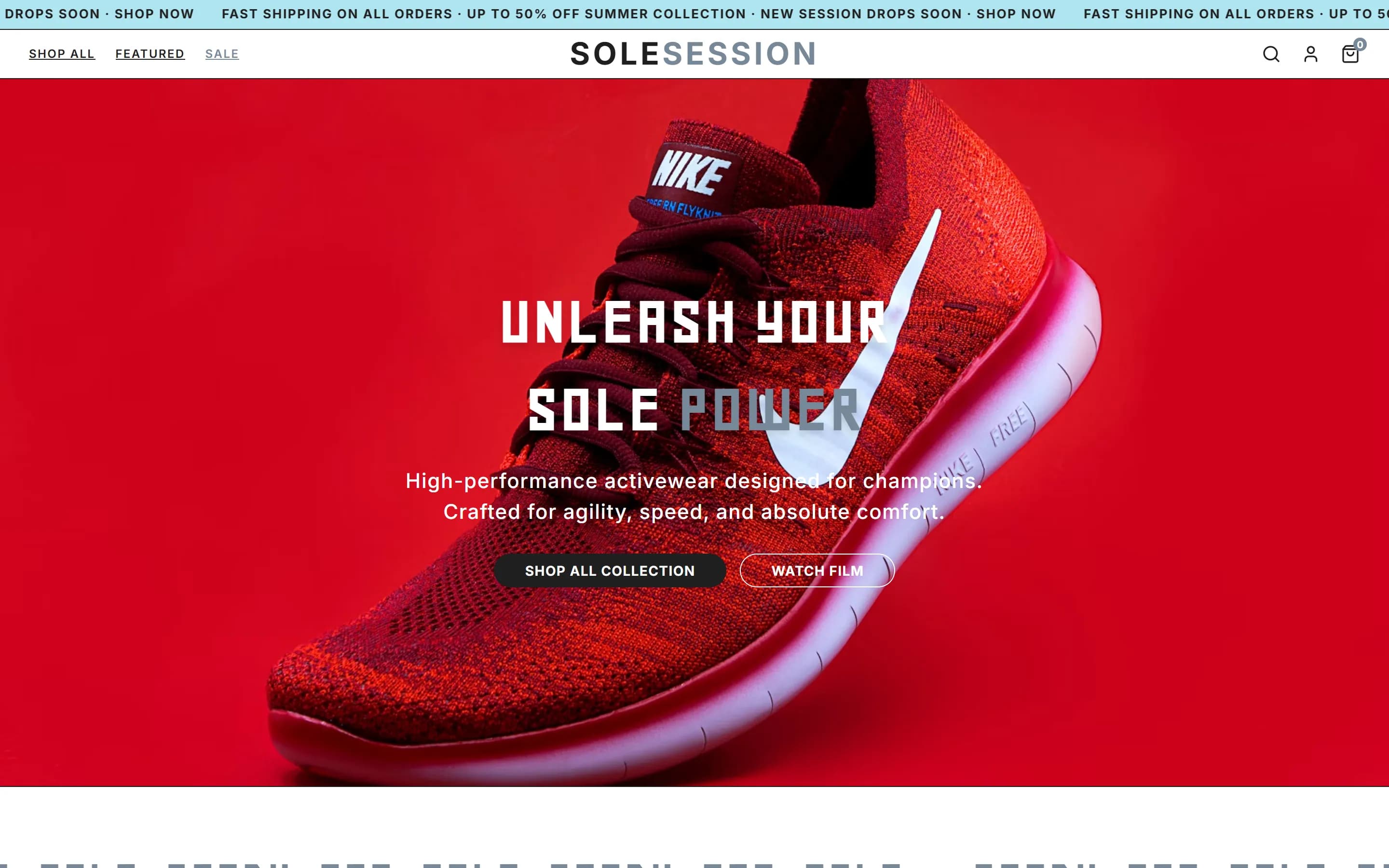
What Orlume builds from one prompt
Explore the design decisions →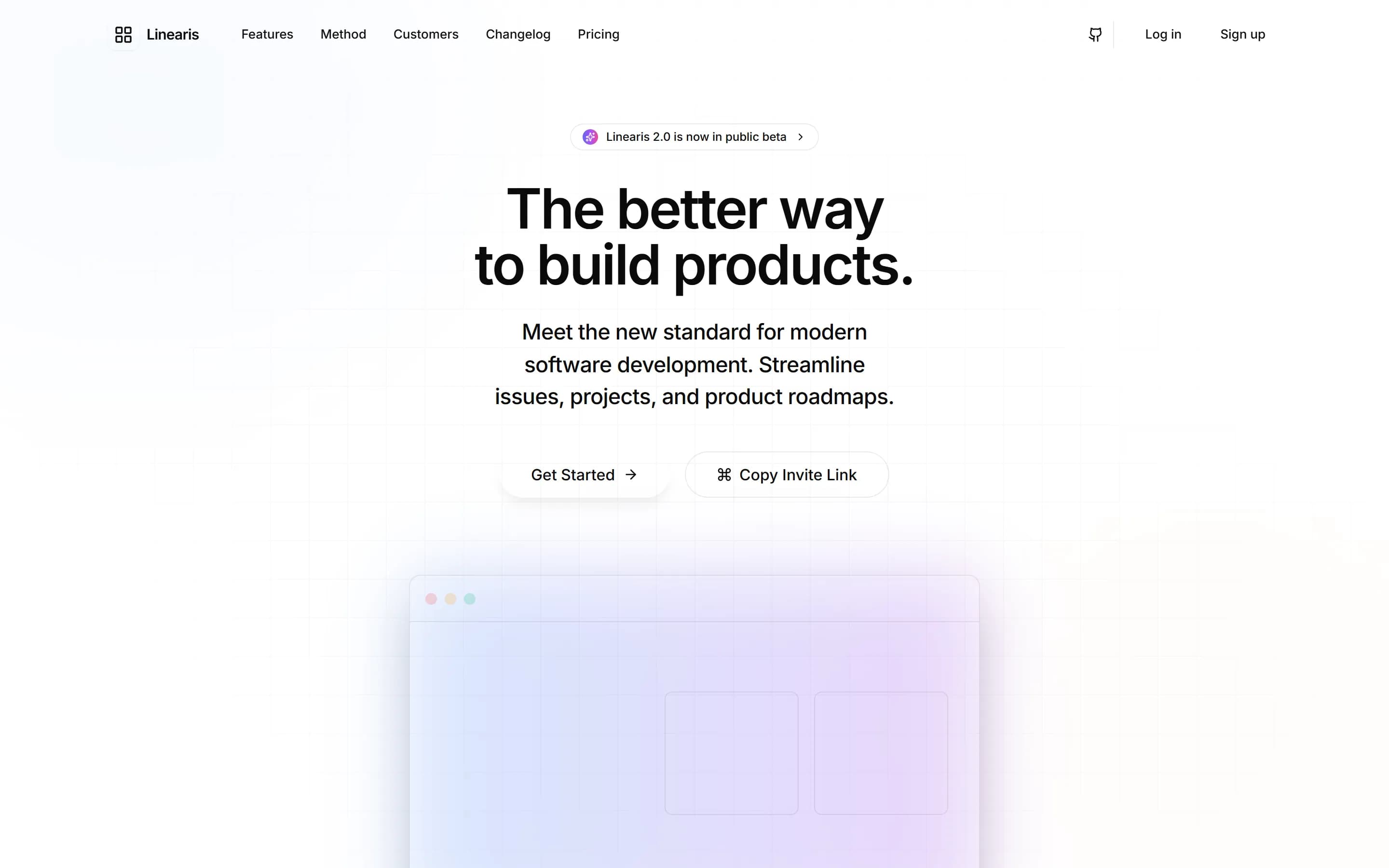

Questions, answered.
The things people ask before they start building.
What website builder do professional photographers use?
Squarespace and Wix are the most common all-in-one choices; Framer for designer-led sites. Orlume designs a gallery-quality site from a description, without templates.
Is Squarespace good for photographers?
Yes, for its gallery templates and print store. It has no free plan; Basic is about $25 a month billed monthly.
How do I make a photography website quickly?
Describe the work, the style and the services in one prompt to an AI website builder such as Orlume, then publish in one click.
 Still stuck? Email us
Go deeper
Best website builder for…
Build something that doesn't look AI-made.
Describe the site you want. Watch it get designed, not just generated. Then publish it to its own orlume.site address.
- Free to start
- No card required
- Publish to a live URL
- You own the code