

The best website builder for a portfolio
Short answer: Orlume, for a portfolio that looks art-directed without designing it yourself: one prompt, a designed site in React and Next.js, published in one click. Framer is the pick when you want to design every page by hand, Squarespace for ready-made gallery templates.
Written by the Orlume team, so Orlume is first. Every other entry says what it is genuinely best for, with prices checked October 2026.
What matters for portfolios
- 01
The work comes first
Large images, quiet type, generous space. The site frames the work; it should never compete with it.
- 02
A point of view
A portfolio that looks like every template says nothing about your taste. The layout is part of the pitch.
- 03
Fast on a phone
Clients and recruiters open links on their phones. Heavy, slow galleries lose them before the first project.
- 04
Your own domain
yourname.com reads as a professional; a builder's subdomain reads as a placeholder.
The ranking
- 1
Orlume
Best for design-first websites
A design-first AI website builder: a multi-agent pipeline decides layout, typography and hierarchy before any code is written, then builds a React and Next.js site.
Orlume makes the design decisions a portfolio lives on (hierarchy, type, spacing) before writing code, and Dream Mode adds animated bento grids and video for showing work in motion. It builds a React and Next.js project you can download from the Personal plan. Custom domains are on the Pro plan.
Best for: Landing pages, SaaS marketing sites, portfolios and startup websites that need to look professionally designed, not AI-generated.
Pricing: Free plan · paid from $10/mo
Try Orlume free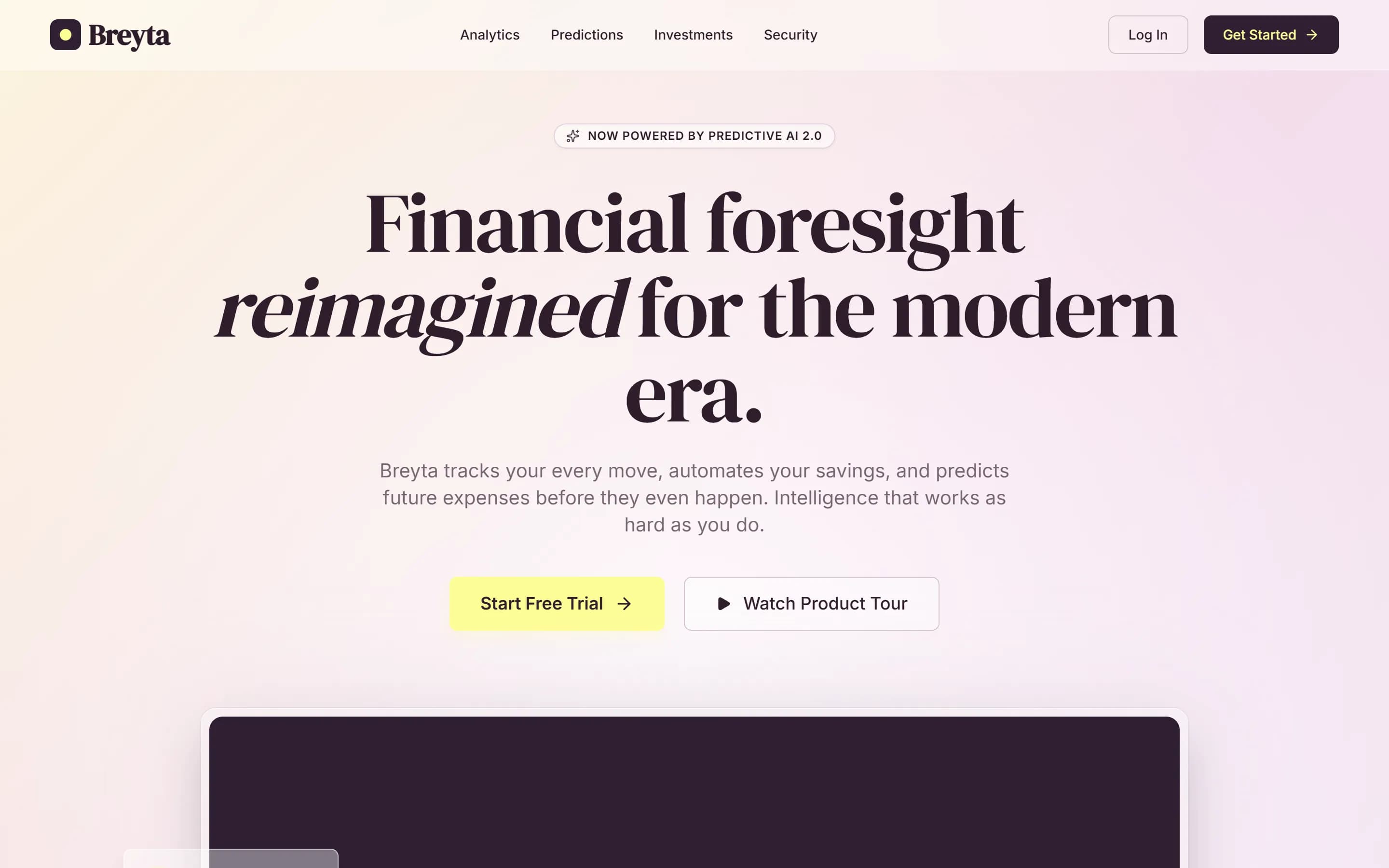 finance.orlume.site
 - 2
Framer AI
A visual website design tool with AI features that can draft pages, which you then refine on a freeform canvas. Sites are hosted on Framer.
- Best for
- Designers who want to place every element by hand and are happy to stay on Framer's hosting.
- What you get
- A site hosted on Framer. There is no standard React or Next.js project to take away.
Pricing: Free plan · paid from $10/mo per site
The best canvas and animation tools for designers who want to shape every page themselves; the free plan publishes to a Framer subdomain.
Orlume vs Framer AI →Framer AI review → - 3
Squarespace
A hosted website platform whose Blueprint AI asks about your business and style, then assembles a site from Squarespace's design system with copy and images.
- Best for
- Small businesses and creatives who want a guided, template-based site with commerce and scheduling built in.
- What you get
- A site hosted on Squarespace, with no code export.
Pricing: No free plan · paid from $25/mo
Clean gallery templates that make photos and projects look good with little effort.
Orlume vs Squarespace →Squarespace review → - 4
Webflow AI
A visual web development platform with AI assistance, a CMS and hosting, aimed at teams with designers who know Webflow.
- Best for
- Marketing teams with a Webflow-trained designer and a content-heavy CMS site.
- What you get
- A Webflow-hosted site; paid plans can export HTML, CSS and JavaScript, but not a React project.
Pricing: Free plan · paid from $25/mo per site
Full layout control and a CMS for case studies, for designers comfortable with CSS concepts.
Orlume vs Webflow AI →Webflow AI review → - 5
Aura
An AI landing page builder that generates pages from prompts and templates, with HTML and Figma export and publishing to an Aura address or a custom domain.
- Best for
- Single landing pages, and teams that want to hand designs to Figma.
- What you get
- HTML, or a Figma file.
Pricing: Free plan · paid from $25/mo
AI-generated landing pages exported as HTML, Tailwind and Figma files, for designers who keep refining by hand.
Orlume vs Aura →Aura review →
At a glance
- Orlume
Free plan · paid from $10/mo
Gives you a React and Next.js project, downloadable from the Personal plan.
- Framer AI
Free plan · paid from $10/mo per site
Keeps your site on its own platform.
- Squarespace
No free plan · paid from $25/mo
Keeps your site on its own platform.
- Webflow AI
Free plan · paid from $25/mo per site
Can export your site's code.
- Aura
Free plan · paid from $25/mo
Can export your site's code.
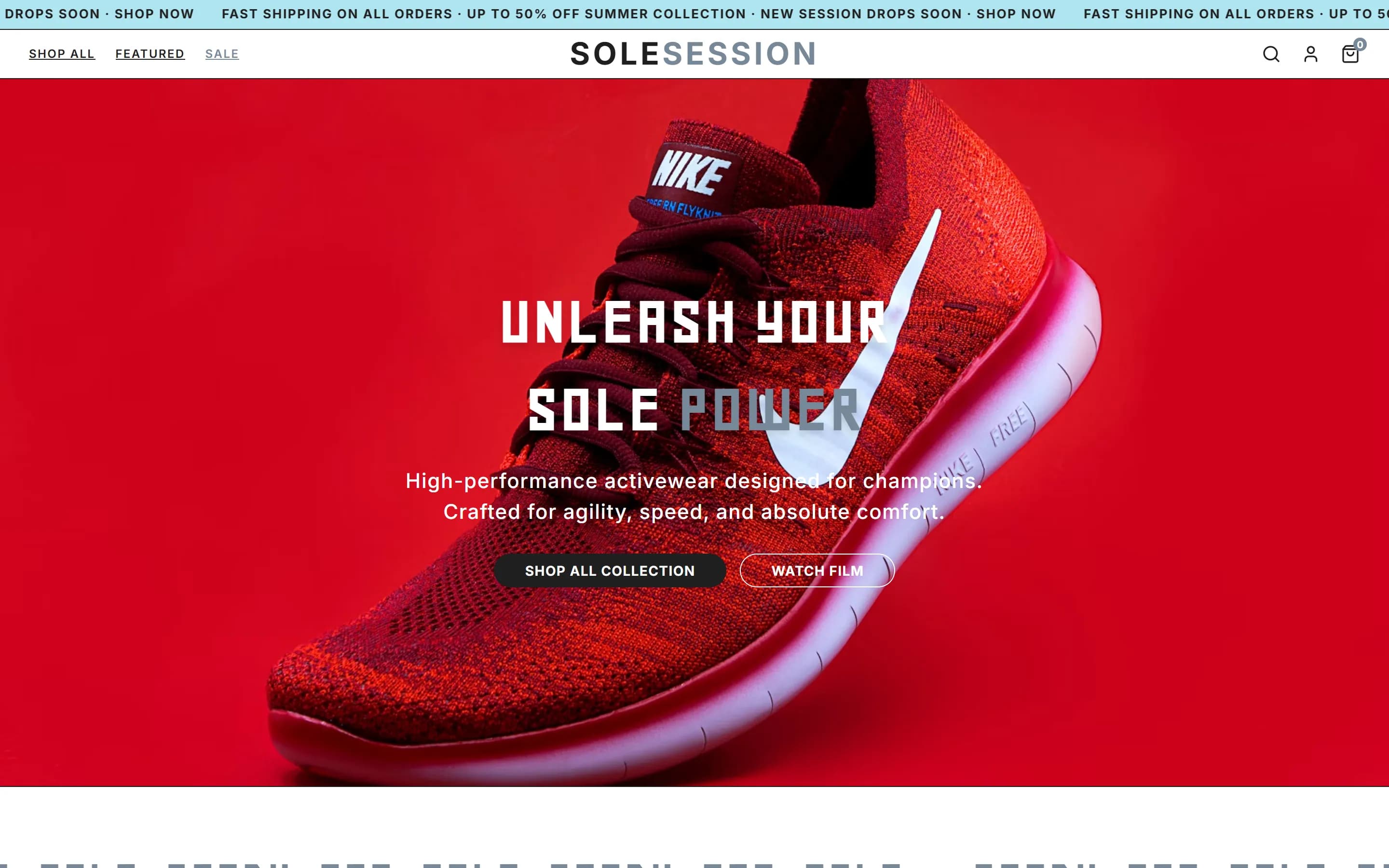
What Orlume builds from one prompt
Explore the design decisions →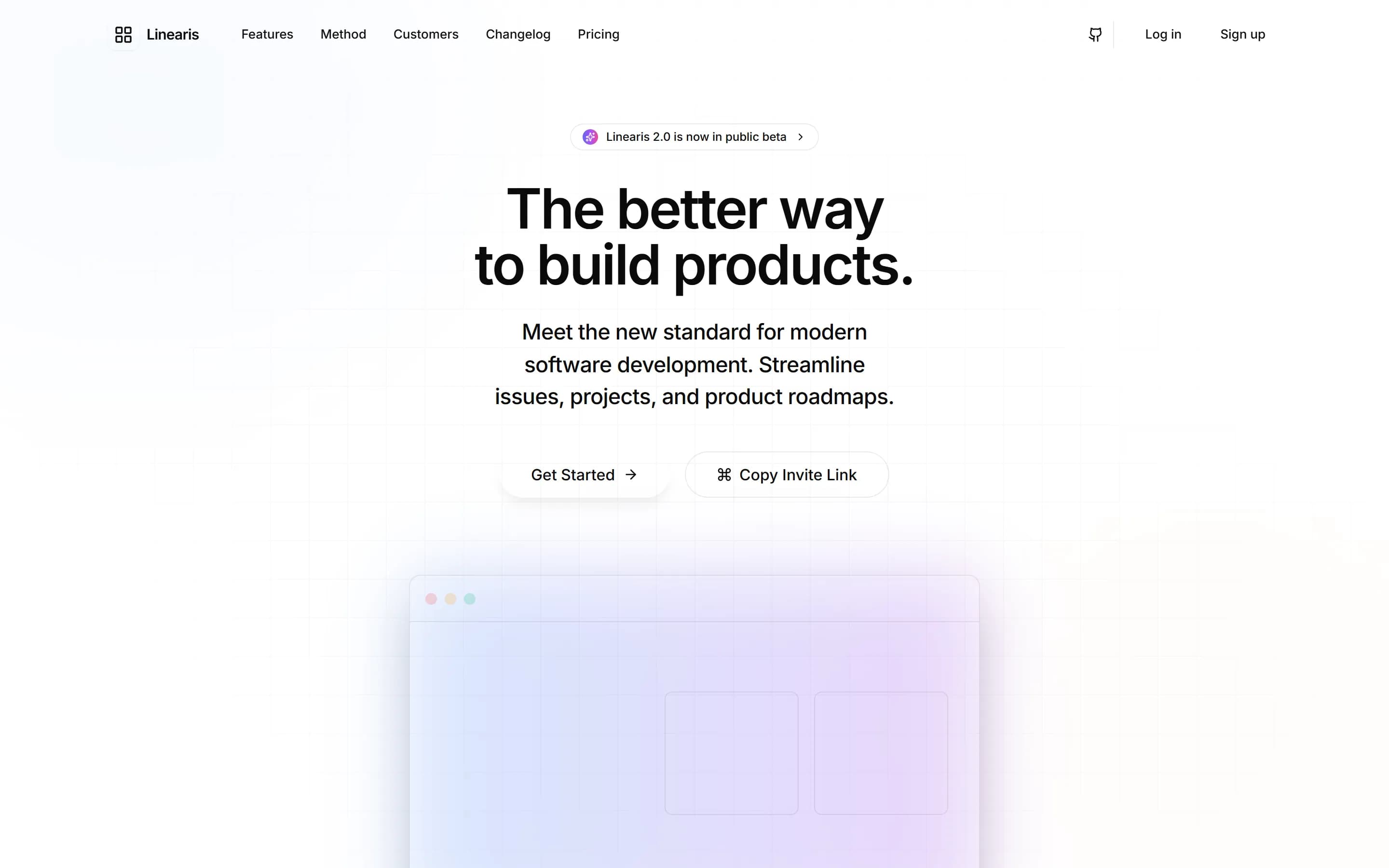

Questions, answered.
The things people ask before they start building.
What is the best free portfolio website builder?
Orlume and Framer both have free plans that publish a portfolio: Orlume designs it from a prompt, Framer gives you a canvas to design it yourself.
Should a designer use a website builder for their portfolio?
Yes, if it does not make the work look generic. Orlume designs a distinct layout from your brief; Framer and Webflow give you full control if you would rather design it yourself.
Can I get the code for my portfolio?
With Orlume, yes: every site is a React and Next.js project, downloadable from the Personal plan. Framer and Squarespace keep the site on their platforms.
 Still stuck? Email us
Go deeper
- How to make a portfolio website with AI
- Portfolio sites built with Orlume
- Website builder for photographers
Best website builder for…
Build something that doesn't look AI-made.
Describe the site you want. Watch it get designed, not just generated. Then publish it to its own orlume.site address.
- Free to start
- No card required
- Publish to a live URL
- You own the code