Replit vs Base44: I’ve Used Both & Here’s My Take
Replit and Base44 both turn prompts into apps, but they favor different workflows: code-level control and extensibility versus a lower-friction path from idea to interactive prototype. Compare their trade-offs, evaluate them with the same real-world test, and verify security, ownership, and deployment requirements before shipping.
Replit and Base44 both turn a plain-language idea into a working web app, but they optimize for different moments in the build. Replit feels like a place to make software—with an AI agent inside a code-capable workspace—while Base44 is organized around describing an app and shaping the generated result with less emphasis on starting from source code. My take: choose based on how much control you need after the first useful version, not on which demo looks faster.
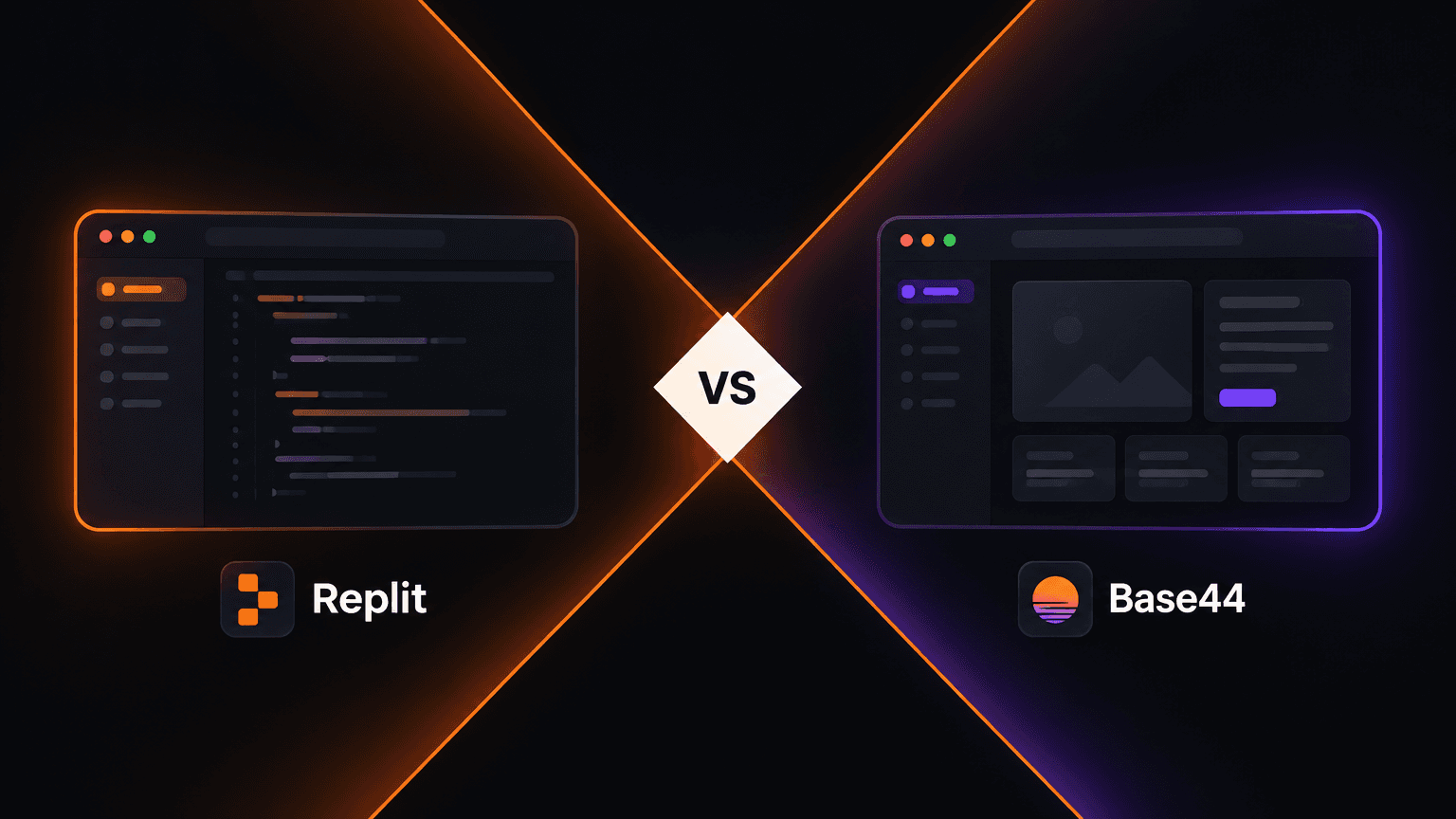
Short version: Base44 is the more natural first stop when the goal is a useful app from a clear brief with minimal setup. Replit is the better fit when the app is a starting point for code, custom behavior, debugging, and ongoing engineering. Neither platform removes the need to test permissions, data handling, edge cases, and deployment behavior before real users depend on the result.
Disclosure of scope: Product features, model behavior, integrations, pricing, and export options change frequently and may depend on plan or workspace. This is a workflow comparison, not a benchmark of fixed feature entitlements. Check each product's current documentation and plan details before committing a team or production workload.
They solve different kinds of friction
The key difference isn't “AI versus no AI.” Both use generative assistance. It is where each product puts the user in the loop and what kind of work it makes feel natural.
Replit puts a code-capable environment near the center of the experience. The user can ask for an app, then work in a context where files, a running preview, logs, and code-level changes are part of the mental model. That is useful when requirements will become technical questions: Which library? Where does validation happen? How does this API behave? What should be refactored?
Base44 emphasizes the intent-to-application path. The initial interaction is closer to describing the product and iterating on what appears than to beginning with a repository. That lowers the threshold for people who want a workflow, internal tool, or proof of concept without first making choices about project structure. The trade-off is that the more the product depends on special behavior, integrations, or deployment constraints, the more important it becomes to understand what the builder exposes and what it abstracts away.
These are product emphases, not absolute limits. A prompt-first builder can expose technical configuration, and an agent in a code workspace can make a lot of implementation choices for you. The meaningful question is: when the generated answer is almost right, how do you make the last 20% correct?
What using each one feels like
Replit: an AI builder with a code escape hatch
The strong Replit mental model is “an app-building workspace where AI can help across the build loop.” You can begin with a description, but the value of the workspace is that it can also support the next engineering moves: inspecting the project, asking for a change in context, observing a preview, and diagnosing behavior when the result fails.
That makes Replit comfortable for a builder who expects to learn through implementation. You don't need to hand-write every line, but code remains a practical lever rather than a hidden implementation detail. When generated code is awkward, a developer can trace it. When the data model is wrong, the team can reason about the model itself instead of only rephrasing the prompt.

A conceptual view of the code-and-preview loop: a running screen is useful, but the ability to inspect and change the implementation is what matters when the prototype grows.
The cost of that flexibility is cognitive overhead. A beginner can end up navigating files, runtime errors, package choices, secrets, and deploy settings before they know whether the product idea is useful. AI can reduce those chores, but it doesn't make engineering concepts disappear; sometimes it makes the feedback loop faster, which is only helpful if you can interpret the feedback.
I reach for Replit when the prototype is likely to become software that someone will maintain: a custom workflow, an integration-heavy internal tool, a small product with unusual logic, or a project where I want code-level inspection. It is also a stronger fit when the learning objective is to see how an application works, not only to get a screen on the internet.
Base44: start with the product shape
Base44's strongest appeal is the lower-friction path from a product description to an interactive app. You can begin by explaining users, the job they need to do, and the important screens or records, then iterate against the generated result. That is a good match for a founder validating a workflow, an operations team exploring an internal tool, or a non-developer who wants to make the idea tangible before turning it into a conventional engineering project.

The prompt-first loop is effective when you can describe the user journey and judge the generated application by trying it.
The initial prompt still matters. “Make me a CRM” leaves the system to guess at roles, stages, required fields, and what happens when records conflict. A better brief says who uses it, their main task, the objects involved, and the rules that must never be violated. Then the iteration is less about asking for a prettier interface and more about correcting the product model.
The limitation to investigate is not simply “can I code?” It is whether the platform gives you an acceptable way to inspect, export, extend, secure, and operate the result for your particular app. If an integration, unusual permission rule, data residency requirement, or long-term handoff is central, verify that path before you build a large prototype around assumptions. Abstraction is a speed advantage until it hides a requirement you cannot defer.
I reach for Base44 when the question is “does this workflow make sense?” and the fastest route is to produce something stakeholders can click. It is especially compelling when a team values getting to a usable first pass more than choosing its framework upfront.
The practical comparison
Replit
Best when: implementation control, code visibility, debugging, and custom extensions matter. Watch for: more technical decisions and a need to validate the generated implementation yourself.
Base44
Best when: describing, demonstrating, and refining a product workflow is the priority. Watch for: plan and platform boundaries around customization, data, integrations, export, and operations.
| Decision area | Replit tends to suit | Base44 tends to suit |
|---|---|---|
| Starting point | A builder comfortable working around a project and its implementation | A builder who wants to begin with a product description and generated app |
| Iteration style | Ask for changes, then inspect code, runtime behavior, or project structure | Try the application and refine the experience and workflow |
| Custom logic | A promising fit when implementation-level changes are expected | A promising fit while the workflow fits the platform's supported abstractions |
| Learning curve | More technical concepts may surface earlier | Less setup at the start; platform-specific concepts still need learning |
| Handoff question | Can the team understand, run, and maintain this code? | Can the team export, extend, and operate this app under its requirements? |
| Main risk | Confusing “AI wrote it” with “the system is correct” | Confusing “the app runs” with “the app meets every production constraint” |
This table is deliberately about likely workflow fit, not a feature checklist. A single product update can change details; a feature existing on a pricing page also does not tell you whether it suits your architecture or plan.
A decision map for the first build

Two different starting routes converge on the same non-negotiable step: test the workflow, permissions, and assumptions with real users.
A quick way to decide is to identify the uncertain thing you need the prototype to answer:
- “Will people understand and use this workflow?” Start with the path that gets a credible interactive flow in front of them with the least setup. Base44 often has the natural advantage here.
- “Can this unusual rule or integration work?” Start where you can get close to the implementation and inspect the result. Replit often has the advantage.
- “Who will own the app after the demo?” Ask the maintainer to build a small representative slice. The answer may be the tool that gives them a comfortable handoff, not the tool that produced the first screen fastest.
- “Is this a disposable prototype or a live system?” For a disposable test, optimize for feedback speed. For a live system, include identity, authorization, data access, backups, observability, and exit strategy in the evaluation from day one.
How to compare them fairly in one afternoon
Don't compare a vague one-line prompt in one tool with a carefully specified prompt in the other. Give both the same small but meaningful test app—something like a request tracker—with:
- Two user roles (requester and reviewer).
- A small, explicit data model: request, status, owner, and timestamps.
- A permission rule: requesters can see only their own records; reviewers can see the review queue.
- A state transition: a reviewer can approve or reject, with a reason required for rejection.
- A failure case: prevent edits after a terminal state, or explain how a rejected request can be resubmitted.
- A real acceptance test: create two users, create records for both, and verify that neither can read data they should not see.
Use the same prompt, then spend a fixed amount of time on corrections. Score the result on more than the first preview:
| What to measure | How to test it |
|---|---|
| Time to first useful flow | Time until a second person can complete the core task without coaching |
| Iteration quality | Ask for one constrained change and check whether unrelated behavior breaks |
| Data and permissions | Test with separate accounts and inspect access rules, not just the visible UI |
| Debuggability | Deliberately trigger a failure; see whether the cause and repair path are understandable |
| Portability and ownership | Confirm current export, source access, deployment, and domain options on the plan you would use |
| Cost to reach a reliable result | Include usage limits, required plan, developer review, and maintenance—not just the starting price |
A prototype that looks finished can still be wrong about authorization. In a typical web app, hiding an admin button is not authorization: the server or data layer must reject the unauthorized operation too. Similarly, a successful preview is not evidence that secrets are safely managed, retries are idempotent, or deployed configuration matches the preview. Treat generated applications as code or systems to review, not as reviewed systems by default.
Prompting well is a product-design skill
Whichever builder you use, a prompt works better as a compact product spec than a slogan. Describe:
- User and goal: “A support lead reviews requests submitted by account owners.”
- Objects and fields: Identify the records, required fields, and relationships.
- Roles and access: Say who may create, see, update, or delete each kind of record.
- States and transitions: Define the valid statuses and who can move between them.
- Visual constraints: Name the information hierarchy and responsive behavior, rather than asking vaguely for something “modern.”
- Acceptance checks: Give observable scenarios such as “a user from Team A cannot see Team B's requests.”
Then iterate one class of change at a time. First confirm the data model; then permissions; then core flow; then visual refinement. Mixing all four into one revision makes it harder to notice when a pleasing visual update quietly weakened a rule.
There is also a third axis beyond these two products: how much design planning happens before code generation. A design-first platform such as Orlume emphasizes hierarchy, typography, and layout decisions before producing a React or Next.js application. That can be relevant if the biggest issue is not code access or prompt speed, but the generic visual sameness of a first-pass interface.
My verdict
If I had to choose without more context, I would choose Base44 to validate a workflow quickly and Replit to build a prototype I expect to inspect and extend. That's not a universal ranking. It is a distinction between minimizing the distance from intent to a clickable product and keeping the implementation close at hand as requirements become technical.
For a nontechnical founder or operations lead testing whether a process is useful, Base44 is an appealing starting point—provided its current data, integration, and ownership options fit the experiment. For a developer, technical founder, or team expecting custom logic and a longer code lifecycle, Replit is the safer default to evaluate first. For a team that has both needs, build a thin slice in each rather than assuming one platform must own every stage.
Before you put a real workload on either, verify the current plan limits, authentication and authorization model, data export and deletion path, custom domain and deployment setup, and the process for a human to review changes. If a requirement cannot be verified in a small test, don't let a slick generated demo stand in for that answer.

The best builder is the one that makes your next hard question easier to answer. For some projects that's “can we test the idea this week?” For others it's “can we understand, secure, and change this system six months from now?” Pick for the question you actually have—and make the prototype prove it.

Build something that doesn't look AI-made
Orlume designs before it codes: real hierarchy, real layouts, live in minutes.
Try Orlume free