Lovable vs Cursor (2026): Whats Best For Beginners
Lovable and Cursor accelerate different parts of software development: one helps turn product ideas into working app experiences, while the other supports code changes inside an existing repository. Compare their workflows, trade-offs, and security responsibilities, then use a practical framework to choose one—or combine them in a deliberate handoff.
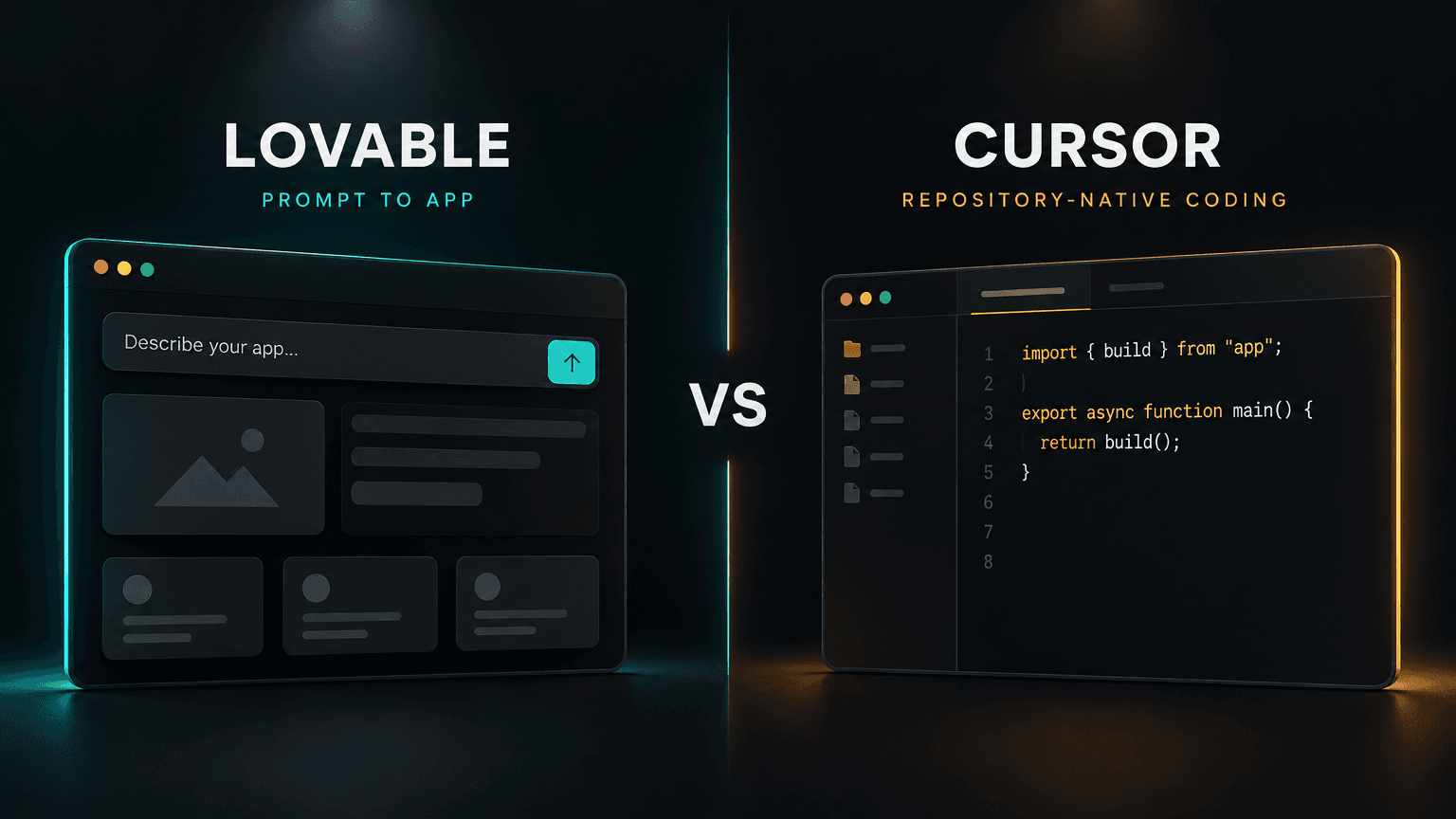
Lovable and Cursor both use AI to move software work forward, but they start from different places. Lovable is optimized for turning a product idea into a working web application through a prompt-and-preview loop; Cursor is an AI-assisted code editor designed to understand and change an existing codebase. The right choice depends less on which model sounds smarter and more on whether you need to create a product surface quickly or make controlled changes inside software you already own.
This comparison is about operating models rather than a permanent feature checklist. Both products evolve quickly, and plan limits, model availability, integrations, and deployment options can change. Check their current documentation before committing a team or budget. The durable distinction is the unit of work: Lovable typically works toward an app from a description, while Cursor works with files, symbols, and repository context that a developer selects or delegates to an agent.
The short answer
- Choose Lovable when you are starting with a product brief, need a convincing web-app prototype or initial implementation, and want the shortest path from describing a UI to seeing it run.
- Choose Cursor when you have a repository to maintain, need targeted code changes, want to inspect implementation details in your editor, or must fit changes into existing tests, conventions, and tooling.
- Use both in sequence when the initial app is mostly greenfield but will become a real codebase: generate a starting point, then review and continue the work in a repository-centered development workflow. Treat the handoff as a code review and architecture decision, not as a magic one-click production guarantee.
The comparison is not “no-code versus real code.” Lovable can produce code, and Cursor can help create new applications. The difference is the default feedback loop and how much responsibility the developer retains over repository structure, implementation choices, and validation at each step.
A mental model: two different loops
Lovable’s default loop is describe → generate → preview → refine. A person explains the desired behavior and interface, the tool produces or modifies an application, and a live visual result makes feedback immediate. This makes it effective when the unknown is primarily what should this product look and do? You can evaluate a layout, flow, or early interaction before investing in a large amount of hand-authored code.
Cursor’s default loop is inspect context → propose or make edits → run checks → review. The working context is a codebase: files, project conventions, dependencies, tests, and the particular task. Cursor can help write or refactor code, but the engineer remains close to the diff and the local development process. This is well suited to the question how should this change fit into this system without breaking it?

The tools can contribute to the same product lifecycle, but optimize different feedback loops.
That distinction matters because speed is not just how quickly code appears. It is the time from a clear task to a reviewed, working outcome. A generated interface that needs extensive redesign may be slower than building the right components directly. Conversely, manually scaffolding a throwaway proof of concept can be wasted effort when a prompt-driven preview is enough to validate the idea.
Where Lovable is the stronger fit
1. Starting from an underspecified product idea
If the team is still discovering the product, early constraints are often visual and behavioral: what belongs on the first screen, how onboarding should work, which fields a form needs, or whether a workflow makes sense. Lovable can reduce the setup cost of creating a tangible artifact. Stakeholders can react to an app-shaped result rather than interpreting a long requirements document or a collection of static mockups.
The benefit is not that a natural-language brief is a complete specification. It is that the interface becomes a fast instrument for asking better questions. A useful iteration might be: generate a simple dashboard, identify the user’s primary action, revise the information hierarchy, and then test the flow with someone who resembles the target user.
2. Visual iteration and frontend scaffolding
Prompt-to-app systems are especially useful when a project is mostly a new web surface: a landing page, lightweight internal tool, early SaaS dashboard, or interactive prototype. They can establish the initial page structure and visible states while the developer focuses on product-specific requirements. The output should still be reviewed for accessibility, responsive behavior, component quality, and maintainability.
For a frontend experiment, define a narrow vertical slice rather than asking for an entire company platform in one prompt. Specify the persona, one key task, a small set of screens, sample data, and important states (loading, empty, error, success). Then examine the preview at desktop and mobile widths, and revise based on concrete observations rather than broad instructions such as “make it better.”
3. Demonstrations, prototypes, and stakeholder alignment
A functional prototype can surface disagreements earlier than a slide deck. Product, design, and engineering can discuss the same interaction, discover missing states, and test assumptions before those assumptions harden into a backlog. If the prototype is disposable, optimizing for initial feedback can be more valuable than optimizing for long-term code organization.
This is also where tools differ from design-first generation. Prompting directly into code can reproduce familiar layouts unless the prompt supplies meaningful visual direction. A separate design-planning pass—typographic hierarchy, spatial rhythm, and domain-appropriate patterns—can reduce that tendency. Platforms such as Orlume take this design-first route for React and Next.js app generation, a useful alternative when the quality of the visual system is as important as the speed of the first draft.
Where Lovable is not automatically the answer
A good-looking preview does not establish that an application is production-ready. Generated code still needs engineering review. Before launch, validate at least:
- Data and authorization: Are permissions enforced on the server and in the data layer, not merely hidden in the interface? Can a user access another user’s records by changing an identifier?
- Secrets and integrations: Are API keys kept out of browser code? Are external services configured with appropriate scopes and environment separation?
- Failure states: What happens when requests time out, the database is unavailable, or input is malformed?
- Accessibility and responsiveness: Can the key flows be completed with a keyboard and assistive technology? Do layouts survive narrow viewports and zoom?
- Code ownership and maintainability: Can the team understand, export, test, and evolve the result using its normal engineering practices?
- Operational readiness: Are logs, backups, migrations, monitoring, deployment rollback, and incident ownership addressed?
If your task centers on advanced domain logic, an existing service boundary, strict compliance, or a large established frontend, the visual generation loop may provide less leverage than repository-level editing. It can still be useful for a design spike, but the prototype should not silently become the architecture.
Where Cursor is the stronger fit
1. Working inside an existing repository
Cursor is the more natural starting point when the project already has source code and a development workflow. Repository context gives an AI assistant a chance to follow local patterns: where components live, how errors are handled, which libraries are already installed, and what the tests expect. This does not guarantee perfect context or correct edits, but it aligns the task with how software is actually maintained.
Typical examples include fixing a bug across a few related files, adding a feature to an existing application, explaining unfamiliar code, updating tests alongside implementation, or performing a bounded refactor. The editor-centered workflow also makes it straightforward for an engineer to inspect the changed files and reject, revise, or split an overly broad proposal.
2. Incremental changes and engineering control
When a change has a clear boundary, ask for a small, reviewable patch. State the behavior and constraints, identify relevant files or areas, and ask the assistant to explain assumptions before broad edits. Then inspect the diff, run focused tests, and expand validation to the full project checks appropriate to the risk.
This process is particularly valuable when a feature must fit into existing authentication, API contracts, design systems, or business rules. Instead of regenerating a screen as an isolated artifact, the work can reuse established components and preserve behavior around the change. For high-risk logic, keep the acceptance criteria explicit and write or update tests rather than relying on a conversational claim that the implementation is correct.
3. Debugging and learning a codebase
An assistant that can work with project context is useful for orientation: trace a request from UI to API, locate where a state transition occurs, explain an error path, or identify likely call sites before changing anything. This can shorten the time to build a mental map of an unfamiliar service.
Use it as a collaborator, not an authority. Ask for file references and a causal explanation; verify those claims against the source. In complex repositories, context can be incomplete or stale, and a plausible explanation may miss runtime configuration, generated code, or behavior in another service.
4. Tests and tools stay in the engineering loop
Cursor’s core advantage is not that it eliminates testing; it is that code edits remain close to the tools developers already use to validate them. A reliable loop includes formatting, type checks, unit or integration tests, and manual review of the affected behavior. Which checks are appropriate depends on the code path and project conventions.
Agentic capabilities can make wider changes faster, but broader autonomy increases the need for boundaries. Ask for a plan before a multi-file refactor, constrain the scope, review dependency changes carefully, and avoid granting tools more access than a task requires. Treat generated diffs as untrusted contributions until they pass the same checks as human-written changes.
Side-by-side comparison
| Decision factor | Lovable | Cursor |
|---|---|---|
| Best starting point | A product brief or new web-app concept | An existing repository or a code-level task |
| Default unit of work | An app or visible workflow | Files, symbols, diffs, and repo-scoped tasks |
| Fastest feedback | See and revise a running UI | Inspect and validate a code change |
| Strongest leverage | Early product shaping and frontend scaffolding | Implementation, maintenance, debugging, and refactoring |
| Primary risk | Confusing a convincing prototype with a verified system | Accepting plausible edits without understanding or testing them |
| Human work that remains essential | Product decisions, security, code review, production readiness | Task framing, diff review, tests, architectural judgment |
| Best success measure | Time to a validated user flow | Time to a correct, maintainable, tested change |

A practical first question: are you validating a new product surface or changing a system that already exists?
A decision framework for real teams
Start with four questions:
- What exists today? If there is no codebase and the goal is to explore a web-app concept, Lovable is a strong first experiment. If there is a repository, build pipeline, and product behavior to preserve, begin in Cursor.
- What is the main uncertainty? If it is the shape of the experience, make something visible and test it. If it is implementation correctness, integration, or behavior within existing code, keep the work close to the code and tests.
- What does “done” mean? A prototype is done when it answers a product question. A production change is done only after code review, appropriate automated checks, and operational/security validation.
- How much change can you safely absorb? A greenfield throwaway prototype tolerates more generated structure. A mature system benefits from narrow diffs, established conventions, and explicit rollback paths.
A compact rule of thumb: idea-to-interface favors Lovable; repository-to-change favors Cursor. If the answer is “both,” use each at the stage where its feedback loop is strongest rather than forcing one tool to own the whole lifecycle.
A practical hybrid workflow
A hybrid process works best when the handoff has a deliberate boundary:
- Use Lovable to test the product surface. Scope the prototype to a small workflow, describe realistic states, and use sample or non-sensitive data. Do not put production credentials or regulated data into an experiment without understanding the platform’s controls and terms.
- Validate the question, not just the screen. Have target users or stakeholders attempt the key task. Record what they misunderstood, what is missing, and what should be discarded. A prototype that looks polished but has not tested its central assumption is still an unvalidated prototype.
- Decide what should survive. Keep useful interaction patterns and product requirements. Review the generated implementation before treating it as a foundation: inspect dependencies, data access, routing, component boundaries, and how the app is built and deployed.
- Move into a normal repository workflow when the code becomes durable. Establish version control, environment configuration, formatting and type checks, tests, deployment ownership, and a clear review process. Use Cursor for bounded refactors, fixes, and feature additions inside that codebase.
- Keep the acceptance criteria attached to the work. A visual reference is not a substitute for behavior requirements. Specify responsive expectations, permissions, error handling, performance constraints, and tests for the functionality that matters.
A design-first alternative can also fit the first step: Orlume emphasizes visual hierarchy and design planning before generating exportable React/Next.js applications. That makes it relevant when you are evaluating not only “how fast can we scaffold?” but also “will the first interface have a coherent, intentional visual system?”
How to evaluate them in a one-week pilot
Avoid judging either product by a single impressive prompt. Select two representative tasks: one greenfield prototype and one change to an existing project. Keep a small scorecard:
- Time to accepted outcome, including prompting, debugging, review, and correction—not just first generation.
- Quality of the result, judged against task-specific acceptance criteria by someone other than the person who prompted it.
- Rework, including incorrect assumptions, UI revisions, broken tests, and cleanup of generated code.
- Control and auditability, such as the ability to understand changes, inspect diffs, manage data, and reproduce builds.
- Team fit, including whether designers, product managers, and engineers can participate without losing necessary review gates.
- Total cost, considering subscriptions or usage-based limits as well as human time spent checking and repairing outputs.
Keep task complexity and baseline skill comparable. A novice getting a first app from a prompt and a senior engineer changing a mature service are not equivalent benchmarks. Record which tasks are prototypes versus production changes. For cost and plan limits, compare current official pricing directly; plan entitlements and model access can change too often for a static comparison to stay reliable.
Common selection mistakes
“The AI wrote code, so it is ready to ship.”
Generated source is a starting point. Production readiness depends on threat modeling, authorization, data handling, tests, accessibility, observability, and deployment practices. Neither product removes those obligations.
“Cursor is only for experienced programmers.”
It is an editor-based workflow, so it generally rewards comfort with code and development tools, but it can also help explain a repository or guide a learner through a change. The user still needs to verify what the assistant says and does.
“Lovable is only for throwaway demos.”
A generated application can be a real starting point, but the bar rises as real users and sensitive data arrive. The team must take ownership of structure, quality, security, and deployment rather than treating generation as a substitute for engineering.
“One tool should be used for every task.”
A product team may use a visual builder to explore an interface and an editor agent to maintain the resulting system. Tool boundaries should follow task boundaries and governance requirements, not brand loyalty.
“The fastest first output wins.”
A useful comparison includes the time required to correct, validate, and maintain the output. Fast output with expensive cleanup can lose to a slower, more controlled workflow.
Final recommendation
Choose Lovable for rapid discovery when the deliverable is a web application prototype or an initial product surface, and the shortest path to a live visual iteration matters most. Choose Cursor for changes inside a repository when correctness, codebase context, test integration, and reviewable diffs are central. Choose both when an idea needs a fast visual proof and the confirmed product will then be developed under normal repository and production controls.
Neither choice is a substitute for product judgment or engineering accountability. The most effective AI-assisted workflow is the one that shortens the relevant feedback loop without obscuring the source, scope, or risks of the resulting change.


Build something that doesn't look AI-made
Orlume designs before it codes: real hierarchy, real layouts, live in minutes.
Try Orlume free